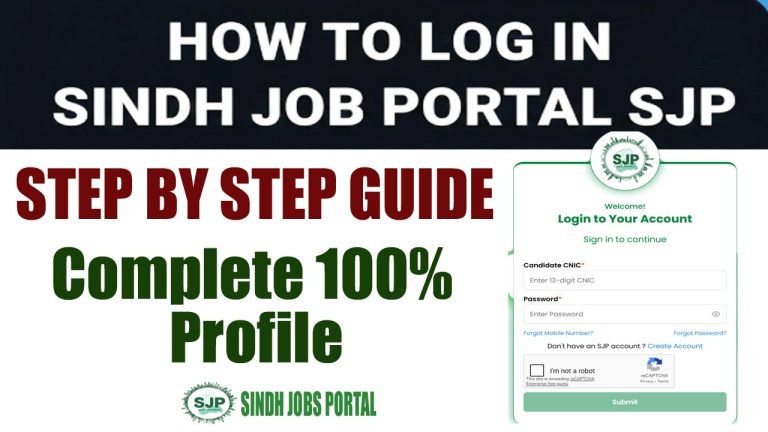
How to Update SJP Profile for 2026 Jobs: Step-by-Step Guide
Are you ready for the massive 2026 recruitment drive by the Government of Sindh? With thousands of vacancies opening in departments like Excise & Taxation, Education, and Health, the Sindh Job Portal (SJP) has become the mandatory gateway for all BPS-05 to BPS-15 applications.
However, simply having an account isn’t enough. Many candidates face rejections because their profile contains outdated STS (SIBA Testing Service) scores or expired domicile documents. In this guide, we will walk you through exactly how to update your SJP profile to ensure you are eligible for the latest 2026 vacancies.
Why Updating Your SJP Profile is Critical in 2026
The SJP system is automated.1 If your STS result is not updated or your domicile belongs to a district that doesn’t match the job quota, the system will automatically filter you out. For the 2026 session, the Sindh Government has introduced new verification protocols. You must ensure that your profile reflects your most recent academic achievements and test scores to stay ahead of the competition.
If you haven’t accessed your account in a while, your first step should be learning how to login Sindh Job Portal (SJP) safely to avoid account lockout.
Step 1: Login and Dashboard Audit
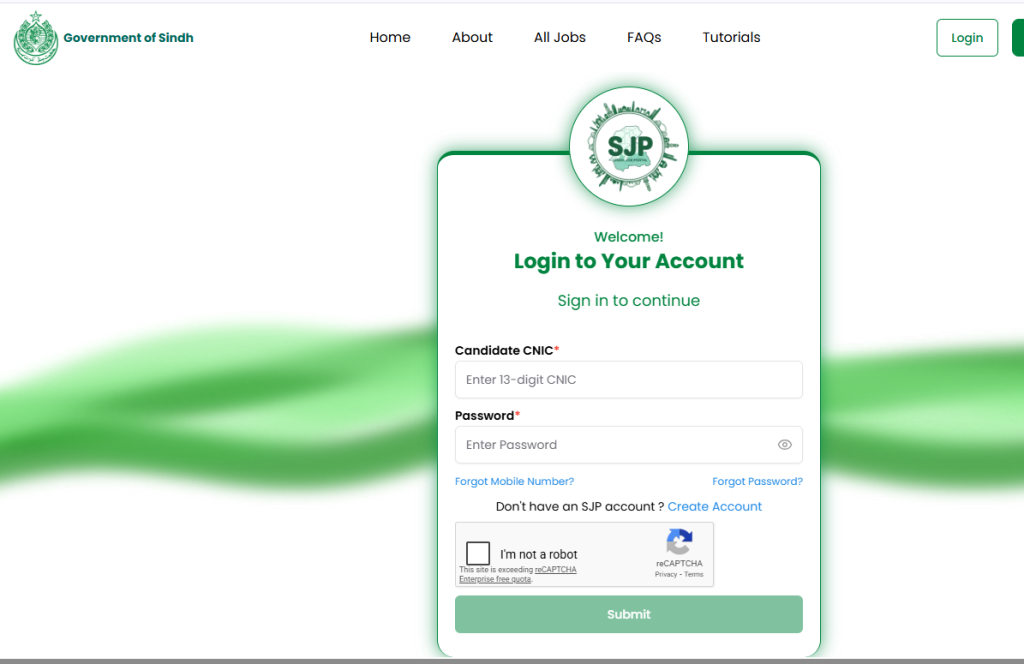
Before making changes, you need to see what the SJP system currently “knows” about you.
- Visit the official SJP website.
- Enter your CNIC and Password.
- Once on the dashboard, look at the Profile Completion Percentage. If it is less than 100%, you are at risk.
- Check the “Applied Jobs” section to see if your previous applications were successful or rejected due to “Incomplete Profile.”
Step 2: Uploading the Latest STS (SIBA Testing Service) Scores
Most BPS-5 to BPS-15 jobs in Sindh now require the STS 5 to 15 Screening Test result. If you appeared in the recent 2025-2026 screening tests, you must update these marks manually if they haven’t synced automatically.
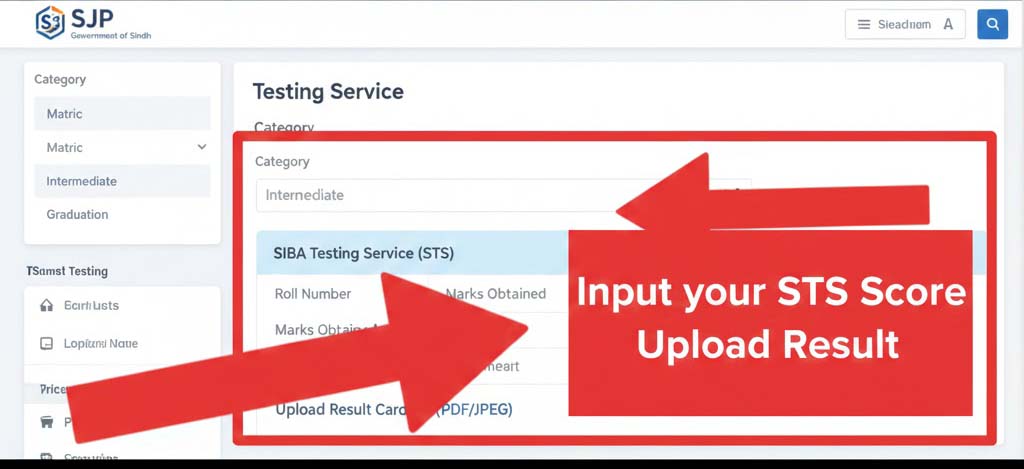
How to update marks:
- Navigate to the ‘Professional/Testing’ section.
- Select “SIBA Testing Service (STS)” from the dropdown menu.
- Enter your specific category (Matric, Intermediate, or Graduation).
- Input your marks exactly as shown on your result card.
Pro Tip: Upload a clear PDF or JPEG scan of your result card. If the text isn’t readable, the department may disqualify you during the SJP shortlisted 2026 check online by CNIC phase.
Step 3: Updating Domicile and PRC (Form C)
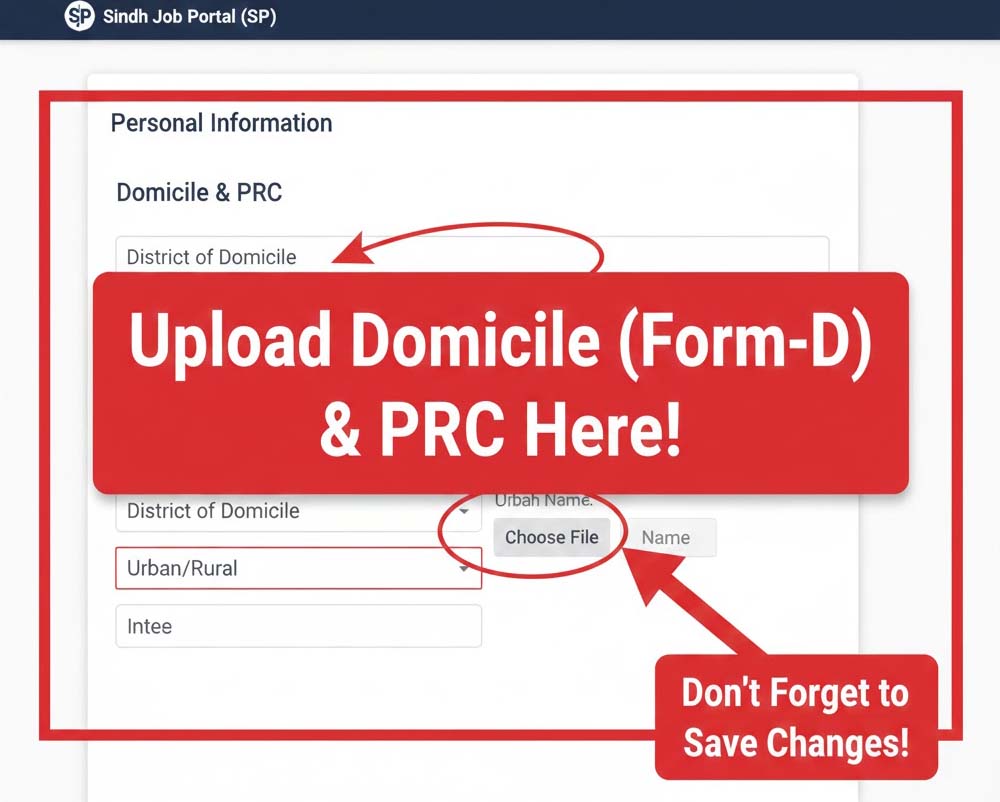
In Sindh, the Domicile and PRC are the most important documents because of the Urban/Rural quota system.
Why update this?
If you have recently moved or if your old domicile scan is blurry, the system’s AI verification might fail.
- Go to the ‘Personal Information’ tab.
- Ensure your “District of Domicile” is correct.
- Upload a fresh, high-resolution scan of your PRC Form-D and Domicile.
- Important: If your Domicile has expired or was issued before the 2026 policy change, visit your Deputy Commissioner’s office to get a digitalized version.
Step 4: Academic Records Refresh
Many candidates complete their Graduation or Masters but forget to add these degrees to their SJP profile.
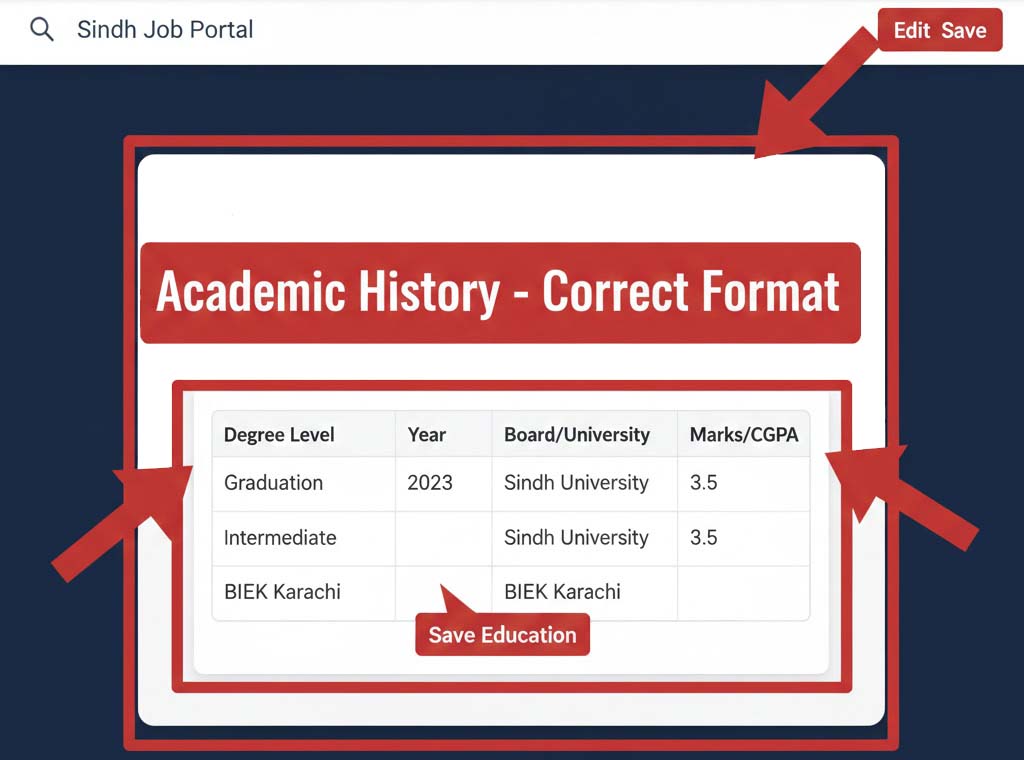
- Click on ‘Education’.
- Add your most recent degree first (Reverse Chronological Order).
- Ensure the “Board/University” names match your certificates exactly.
- If you have obtained a new Technical Diploma (CIT/DIT), add it under the ‘Certificates’ section. Many BPS-11 and BPS-12 jobs in 2026 now require mandatory computer literacy.
Step 5: Document Verification and Final Submission
The final step is the “Document Vault.” This is where you store your CNIC (Front/Back), Photographs (Blue Background), and Experience Certificates.
- Photo: Use a formal photo taken within the last 6 months. Do not use selfies.
- CNIC: Ensure your CNIC is not expired. If you have a new “Smart Card,” update the expiry date in the system.
- Experience: If you are applying for specialized roles like “Data Entry Operator” or “Accountant,” upload your experience letters here.
After updating, always click the “Save & Finalize” button. Your profile status should now ideally show 100%.
What Happens After You Update?
Once your profile is updated, you can apply for jobs with a single click. The system will pull your updated data and generate your application. If your profile is solid, you will soon need to download your SJP roll number slip for the physical or screening tests.
Common Errors to Avoid:
- Mobile Phone Browsers: SJP is best updated on a Desktop/Laptop. Mobile browsers often fail to upload large PDF files.
- File Size: Keep your document scans under 500KB.
- CNIC Formatting: Do not use dashes (-) in the CNIC field unless specified.
Conclusion: Stay Proactive
The Sindh Job Portal is a dynamic system. As the 2026 hiring season peaks in February and March, the server load will increase. We highly recommend updating your profile now while the site is running smoothly.
By keeping your STS scores and domicile records fresh, you ensure that when the time comes to check the SJP shortlisted 2026 list, your name is right at the top.
Frequently Asked Questions (FAQs)
Can I change my District of Domicile after applying?
No. Once you submit an application for a specific job, that application is locked with the data you had at that time. Always update your profile before clicking the “Apply” button.
My STS score is not showing in the portal, what should I do?
You can manually add it in the ‘Testing’ section. Make sure to upload the digital copy of the result obtained from the STS candidate portal.
Is the SJP profile update free?
Yes, updating your profile on the official Sindh Job Portal is completely free of cost.
For more updates on Sindh Govt Jobs, SPSC results, and STS test prep, keep visiting SJPJobsPortal.com.